
SIM card with self-activation
Connect to the Mobiuz network without visiting the office
Where can I buy a SIM card?
An envelope with a SIM card for self-activation can be ordered from our partners


SIM card activation
- Download the Mobiuz app from the AppStore, Google Play or AppGallery
- Launch the app on your smartphone
- Select the «Activate SIM card» section
- Scan the barcode from your SIM card using the camera or enter it manually in the appropriate field.
- Enter your passport/ID card details and go through the identification procedure
- Top up your account in a way convenient for you
- Insert the SIM card into your phone
If the Mobiuz app was installed earlier:
Go to the "More" section and select the «Activate SIM card» section
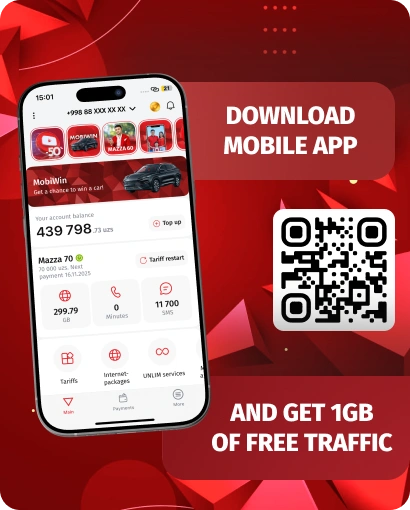
Download the Mobiuz mobile app


Video instruction
Activation fails?
Contact support: +998 97 130 0909 or 0890
Available tariff plans
Mazza 60+
Everything will be Mazza!
UNLIM at night (00:00 - 08:00)
within Uzbekistan per month
within Uzbekistan per month
free subscription
Questions and Answers (FAQ)
A new SIM card is issued online without the need to visit the operator's office.
To go through the identification procedure in MyID, you will need a passport or ID card.
In the package you receive the SIM card itself, activation instructions and a key-clip for removing the slot.
An envelope with a SIM card for self-activation can be ordered from our partners: Uzum Market and Yandex Market.
In Uzbekistan, up to 5 numbers can be issued per person
You can contact the support service at: (+998) 97 130 09 09 or 0890.
Uzum Market
The SIM card envelope includes:
- SIM card
- Activation instructions
- Key clip for opening the SIM card slot
Yandex Market
The SIM card envelope includes:
- SIM card
- Activation instructions
- Key clip for opening the SIM card slot
Important information!
When connecting to the «Mazza 60+» tariff, a discount on the subscription fee of 12 000 UZS is provided for the first month, for subsequent months the subscription fee will be 60 000 UZS per month
Connection to the «Mazza+» tariff is not available from August 8, 2025.
For existing subscribers who connected to the «Mazza+» tariff plan before August 7, 2025 (inclusive), the terms of the tariff plan remain unchanged.
Asaxiy
The SIM card envelope includes:
- SIM card
- Activation instructions
- Key clip for opening the SIM card slot